
PID Temperature Control with Raspberry Pi: A Complete Guide
By LoopString Team
On/off control is fine for a light switch. It is terrible for temperature control. Your heater cycles on and off, overshooting and undershooting the target with every swing. For processes like fermentation, grow rooms, and HVAC, you need something smarter.
That something is PID control — and a Raspberry Pi is the perfect platform to run it.
What is PID Control?
PID stands for Proportional-Integral-Derivative. It is a feedback control algorithm that continuously calculates the difference between a desired setpoint and the actual measurement (the "error"), then adjusts an output to minimize that error.
The three terms work together:
- Proportional (P): Reacts to the current error. Bigger error means bigger correction. Think of it as "how hard do I push right now?"
- Integral (I): Reacts to accumulated error over time. If the temperature has been 0.5 degrees below setpoint for 10 minutes, the integral term ramps up the output. Think of it as "I have been off target for too long."
- Derivative (D): Reacts to the rate of change of the error. If the temperature is approaching the setpoint quickly, the derivative term backs off to prevent overshoot. Think of it as "I am getting close, slow down."
The PID Formula
Output = Kp * error + Ki * integral(error) + Kd * derivative(error)Where:
Kpis the proportional gainKiis the integral gainKdis the derivative gainerrorissetpoint - measurement
Why PID on the Pi (Not the Cloud)?
This is where LoopString's architecture differs from most IoT platforms. Many competitors run PID loops in the cloud:
- Sensor reads temperature on the Pi
- Data is sent to the cloud
- Cloud PID algorithm calculates output
- Command is sent back to the Pi
- Pi adjusts the heater
This round-trip adds 200-2000ms of latency per control cycle. Worse, if your internet goes down, your PID controller stops. Your fermentation tank has no temperature control until connectivity returns.
LoopString runs PID directly on the Raspberry Pi via Node-RED. The control loop is:
- Sensor reads temperature
- PID calculates output locally
- Heater is adjusted immediately
Latency drops from seconds to milliseconds. If the internet goes down, the PID loop continues running. Your process stays controlled.
The cloud is used for what it does best: monitoring, setpoint adjustment, historical data, and alerts. The actual control stays on the edge where it belongs.
Real-World PID Applications
Fermentation Temperature Control
Process: Maintain beer fermentation at 18-20C during ale fermentation.
Challenge: Fermentation is exothermic — yeast generates heat. The controller needs to both heat (in a cold garage) and cool (when fermentation kicks off).
Setup:
- DS18B20 thermowell probe in the fermenter
- Heating pad controlled via relay
- Chest freezer controlled via relay (cooling)
- PID with dual output (heat/cool)
Tuning tips:
- Start with Kp = 2, Ki = 0.1, Kd = 1
- Fermentation is slow (thermal mass of liquid) — low Ki prevents integral windup
- Higher Kd damps the overshoot from the exothermic reaction
Grow Room Climate Control
Process: Maintain grow room at 24C day, 20C night.
Challenge: Multiple heat sources (lights, pumps) and heat sinks (ventilation). The PID needs to handle setpoint changes on a schedule.
Setup:
- BME280 for ambient temperature and humidity
- Inline duct heater via relay
- Exhaust fan via PWM (variable speed)
- PID controlling the heater with schedule-based setpoint changes
Tuning tips:
- Higher Kp (3-5) because grow rooms respond quickly to heating
- Moderate Ki (0.2) to eliminate steady-state offset
- Low Kd (0.5) — the room temperature changes slowly
- Use LoopString's setpoint scheduling to automatically lower the target at night
HVAC Zone Control
Process: Maintain each zone at its own setpoint.
Challenge: Zones interact — heating one room can cool an adjacent room.
Setup:
- DS18B20 in each zone
- Motorized damper or zone valve per zone
- Central heating/cooling plant
- One PID per zone, coordinated through LoopString's multi-room architecture
Tuning tips:
- Start conservative: Kp = 1, Ki = 0.05, Kd = 0.5
- Zones with large windows need more aggressive P
- Use integral limiting to prevent windup when a zone is heavily influenced by its neighbor
How to Tune PID Gains
PID tuning is part science, part art. Here is a practical approach:
Step 1: Start with P Only
Set Ki = 0 and Kd = 0. Increase Kp until the system oscillates around the setpoint with roughly equal overshoot and undershoot. This is the "ultimate gain" (Ku).
Step 2: Add Integral
Set Ki to a small value (start with Kp / 10). The integral term eliminates the steady-state offset — the persistent gap between setpoint and actual temperature that P alone cannot close.
If the system starts oscillating more, reduce Ki.
Step 3: Add Derivative
Set Kd to a small value (start with Kp * 0.1). The derivative term smooths the approach to setpoint and reduces overshoot.
If the output becomes noisy or jittery, reduce Kd. Derivative amplifies sensor noise, so it is often set lower for noisy sensors.
Step 4: Test and Iterate
Watch the system respond on the LoopString dashboard:
- Too much overshoot? Increase Kd or decrease Kp
- Never reaches setpoint? Increase Ki
- Oscillating constantly? Decrease Kp and Ki
- Sluggish response? Increase Kp
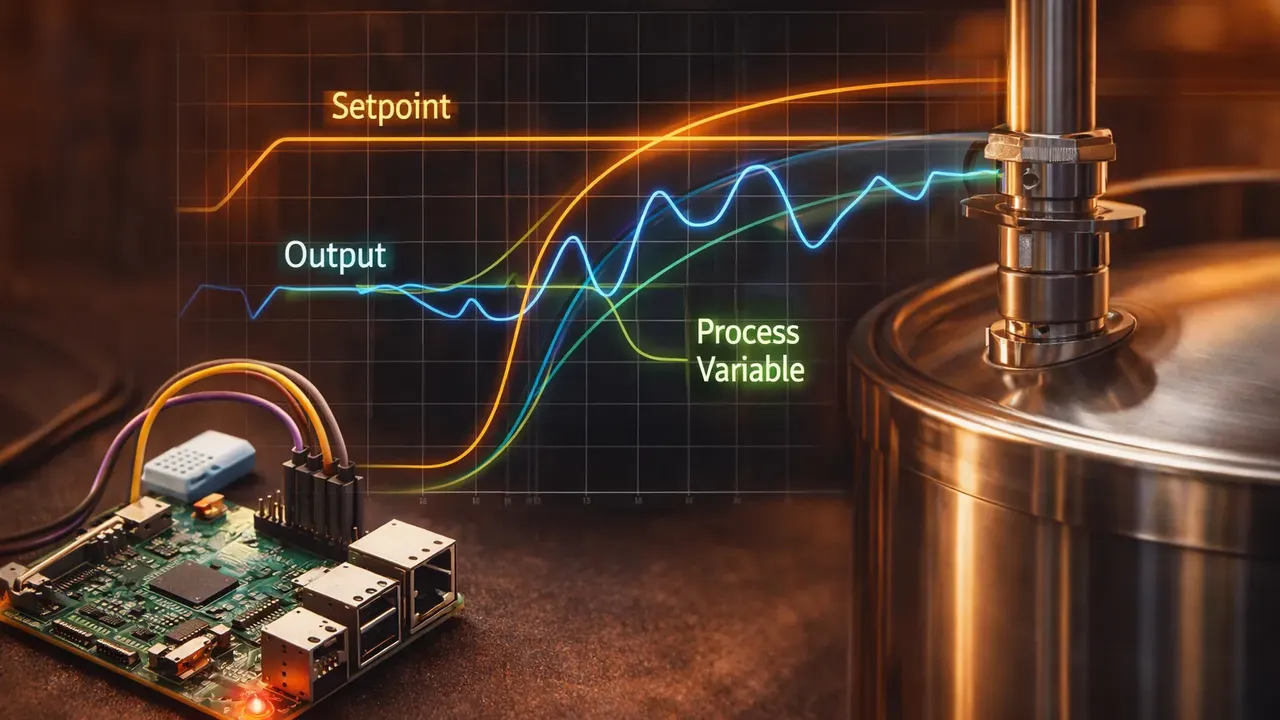
Use the Analytics view to overlay the setpoint and process variable on the same chart. Good PID tuning shows the temperature smoothly approaching and holding at the setpoint with minimal overshoot.
PID Settings in LoopString
LoopString's PID configuration is accessible from the dashboard:
- SetpointInput card — Adjust the target value in real time
- PID Indicator card — Shows current output, process variable, and error
- PID Settings modal — Tune Kp, Ki, Kd, and output limits
Changes to the setpoint take effect within one control cycle (typically 1-10 seconds depending on your polling interval).
The PID controller runs entirely on the Pi. When you adjust the setpoint from the dashboard, the new value is sent to the Pi over the edge API (POST /api over Tailscale) and picked up by the Node-RED PID node on the Pi. The cloud is the messenger, not the controller.
Common PID Mistakes
Tuning too aggressively. Start with small gains and increase gradually. An over-tuned PID oscillates wildly and can damage equipment.
Ignoring thermal mass. A large fermentation vessel responds much slower than a small grow tent. Gains that work for one will not work for the other.
Not using output limits. Always set minimum and maximum output values. A PID that can command 100% heater output indefinitely is a fire risk.
Running PID in the cloud. If your PID control depends on internet connectivity, your process is one outage away from disaster. Keep PID on the edge.
Get Started
Create a free LoopString account and build a PID-controlled system using the Configurator. The Grow Room Controller and Fermentation Monitor templates include pre-configured PID loops with sensible default gains.
For a visual walkthrough of connecting your first sensor, see our Sensor to Screen in 30 Minutes tutorial.
Learn More
- PID Controllers — full reference with tuning parameters
- Temperature Sensors — choosing the right sensor
- Sensor Calibration Wizard — calibrate for accuracy
- Monitoring a Small Brewery — PID in a real brewery setup
Frequently asked questions
Proportional reacts to the current error — a bigger error means a bigger correction. Integral reacts to accumulated error over time, ramping up the output if the temperature has been off target for a while. Derivative reacts to the rate of change, backing off as the temperature approaches the setpoint to prevent overshoot.